DRONE ND
The all-in-one workflow companion for drone videographers
Free & Pro · DJI, Autel & Skydio · Calculator, weather & timer in one app
The all-in-one workflow companion for drone videographers
Free & Pro · DJI, Autel & Skydio · Calculator, weather & timer in one app
No more switching between a filter calculator, weather app and timer – Drone ND knows your drone and your light.
Pick your drone once – DJI, Autel, Skydio & more. Sensor, aperture and ISO automatically feed every calculation.
ND calculator, fly-check, timer and presets replace three separate tools – one workflow, right on set.
A red-tinted interface protects your night vision for astro and low-light shoots – manual, quick-toggle or automatic at sunset (Pro).
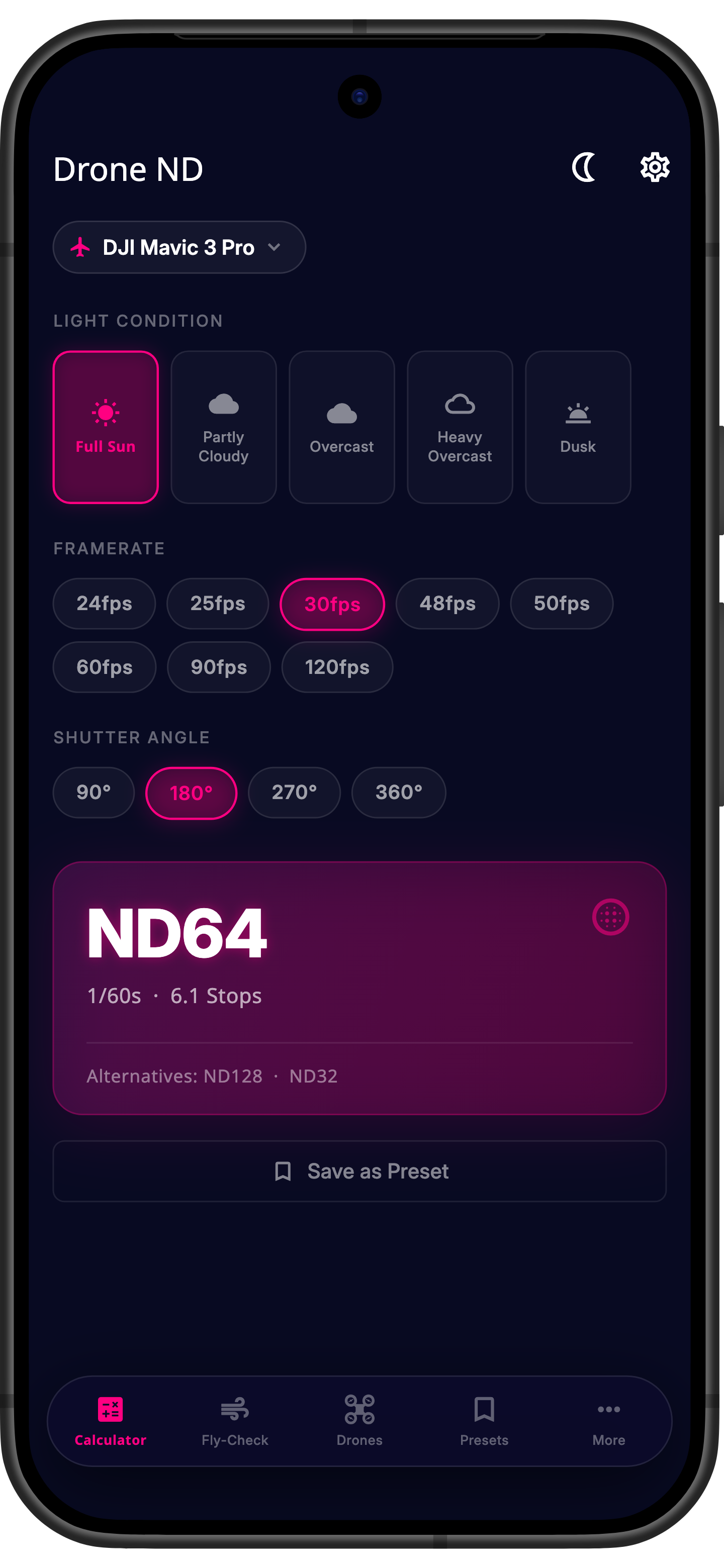
Enter framerate, shutter angle and light conditions – Drone ND instantly calculates the right ND filter strength for buttery-smooth drone video, including alternatives near limits and warnings for camera restrictions like the fixed aperture found on many consumer drones.
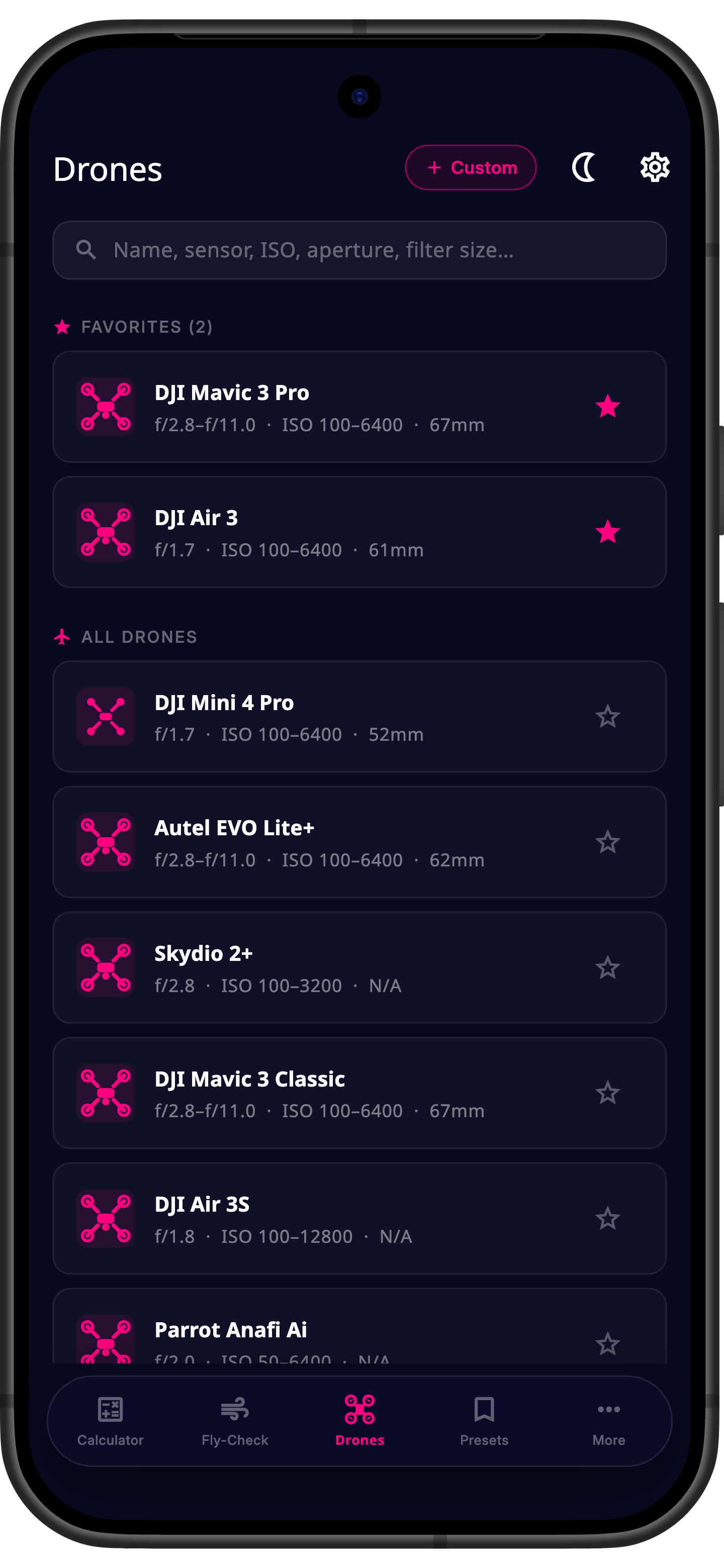
Built-in profiles for DJI Mini, Air, Mavic and Inspire, Autel EVO and more – including sensor size, aperture, ISO range and filter size. Flying something else? Add your own custom profile.
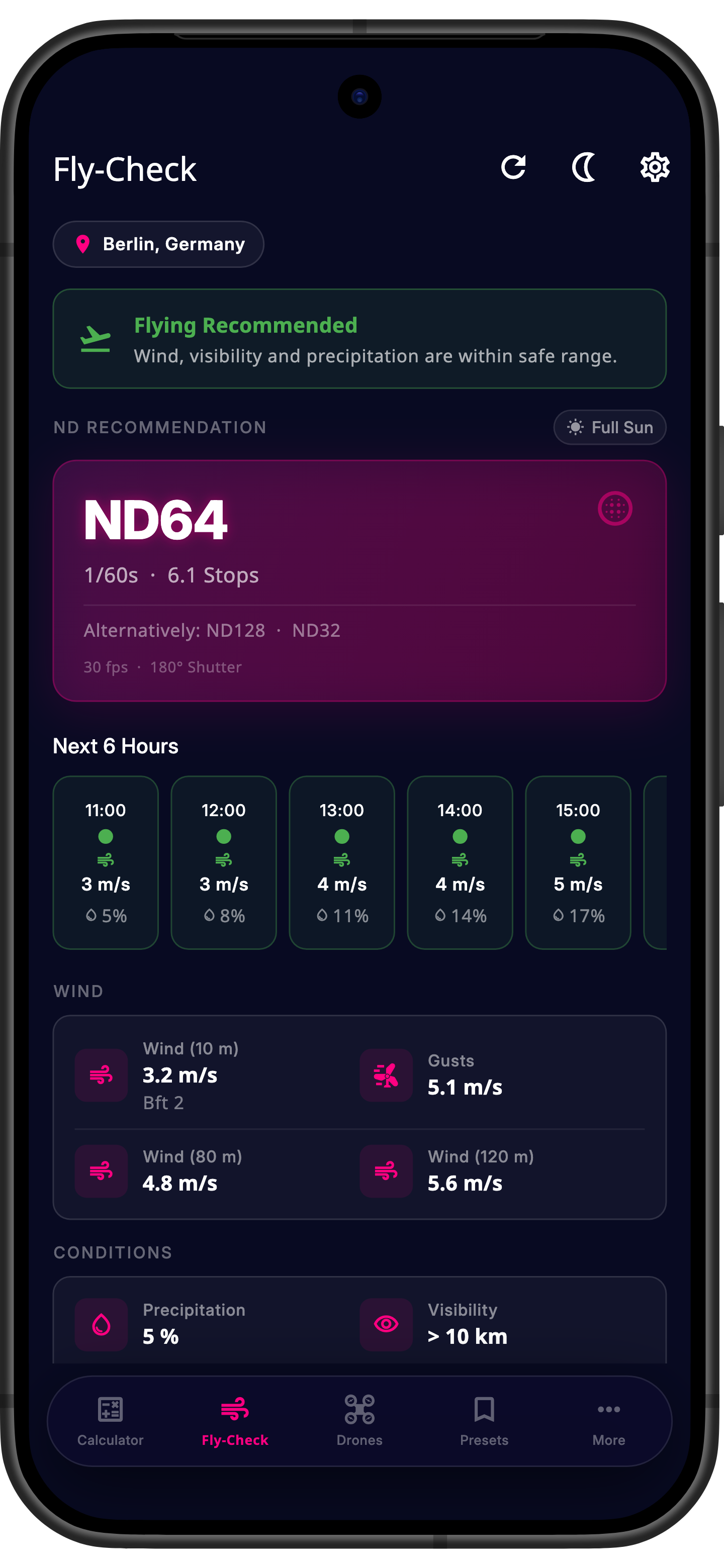
Wind, gusts, visibility and precipitation at a glance – with a traffic-light rating matched to your drone's wind limit and an hourly outlook for the next six hours.
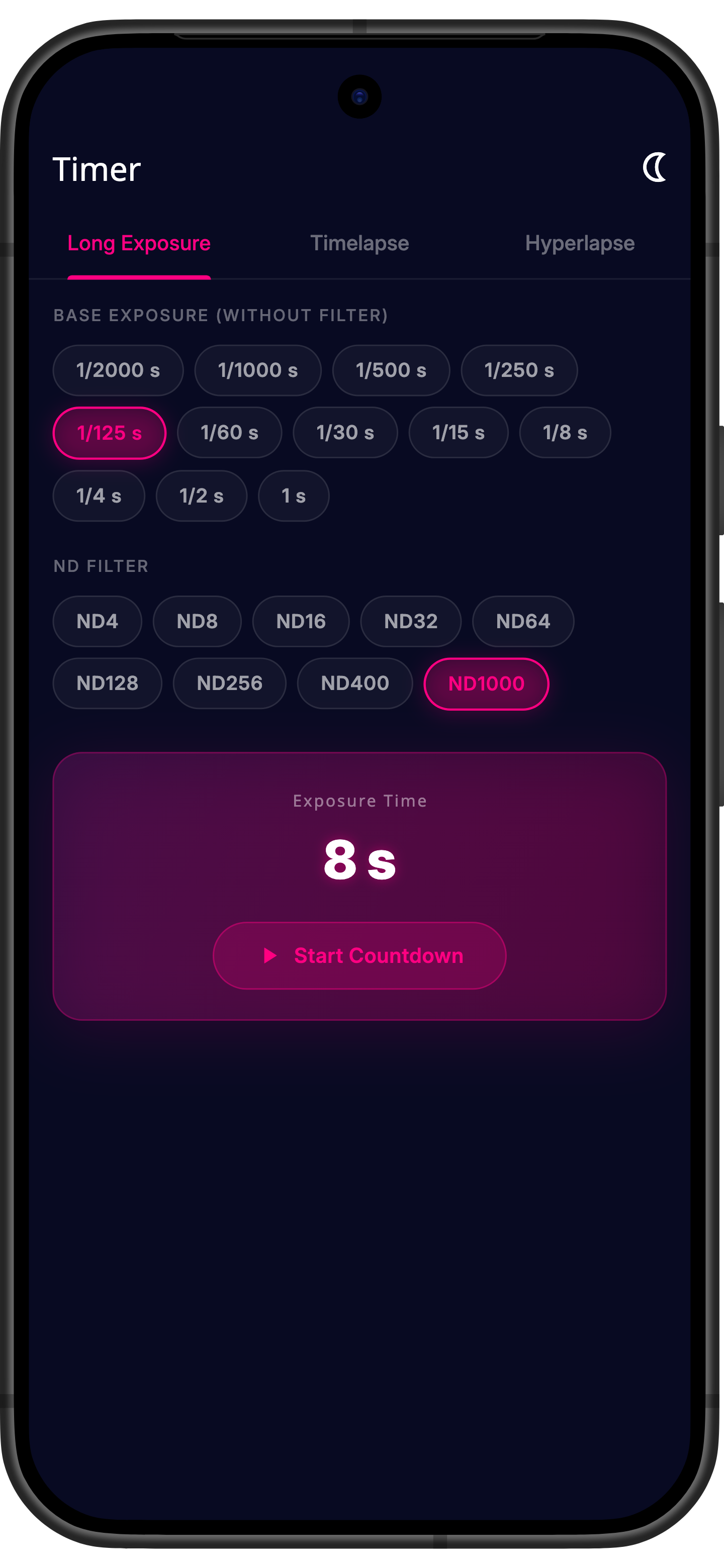
Built-in countdown timers for long-exposure shots with an ND filter, interval shooting, and hyperlapse calculations – including distance and video-length estimates.
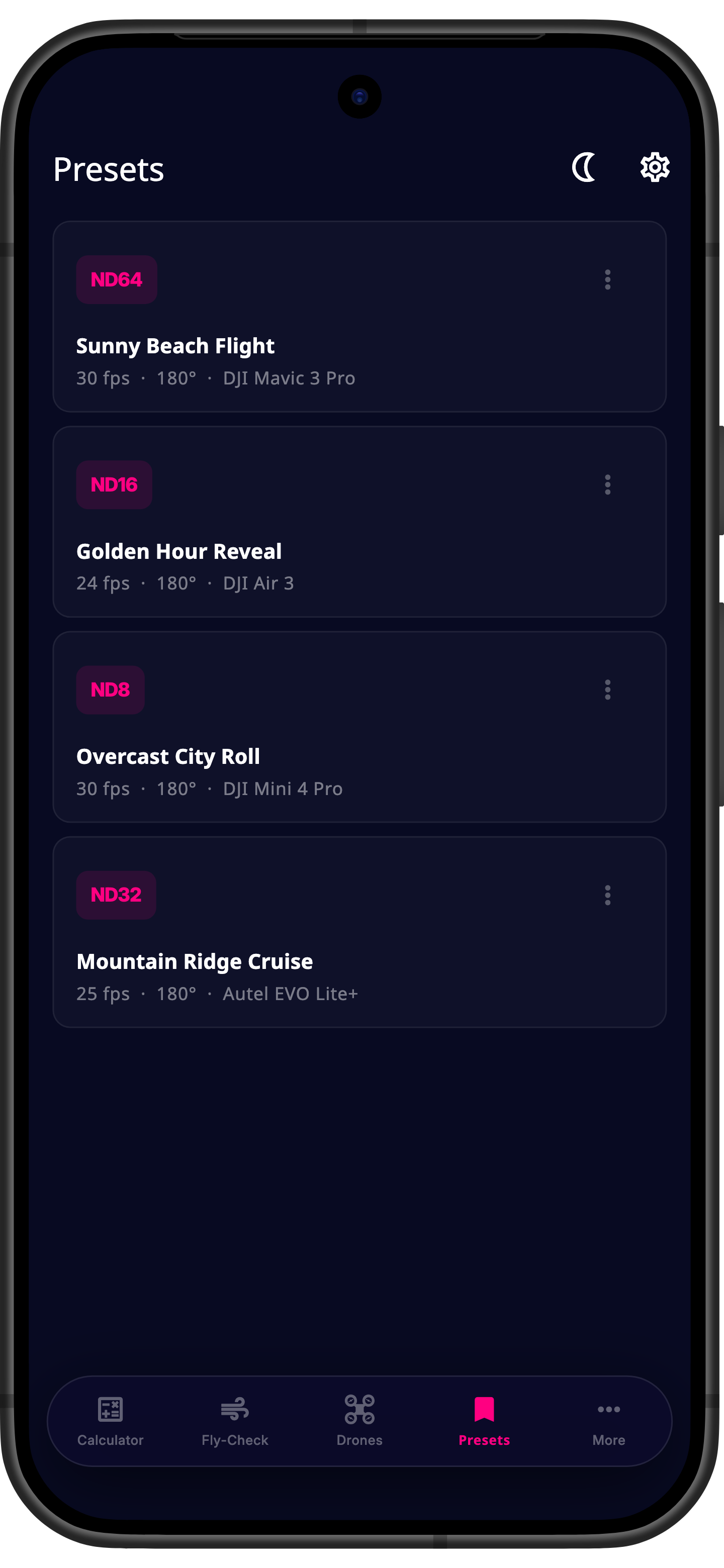
Save your favorite combinations of drone, framerate and filter as a preset – with color labels and notes. Unlimited in the Pro version.
A growing database of profiles for the most popular models – manual entry always available for anything else.
Skydio, Parrot and Fimi are coming in a later version – feedback on your model? Let us know.
The built-in knowledge base explains the fundamentals – completely free and available offline.
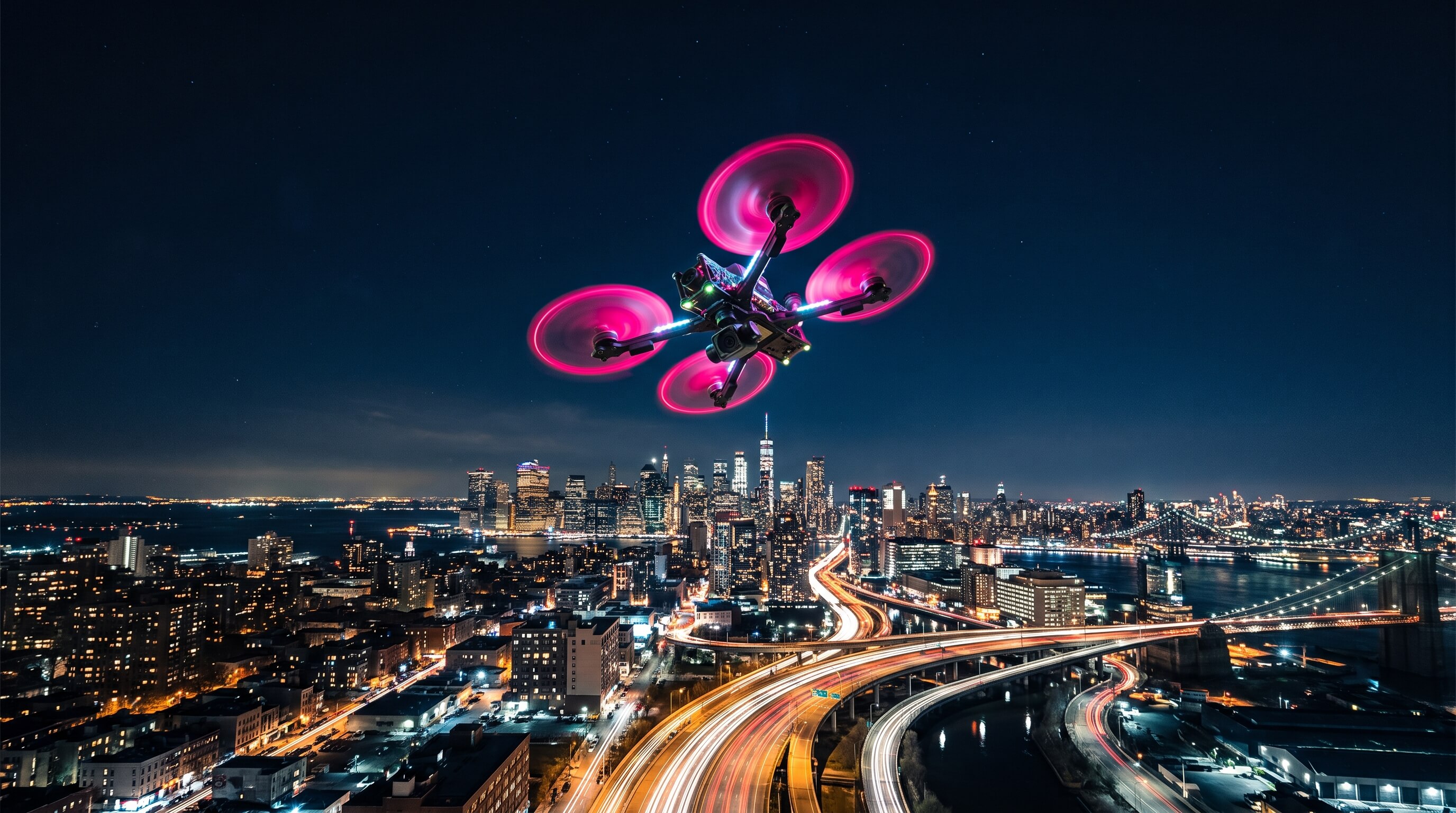
Why exposure time should be roughly double the framerate – and what happens if you ignore it (the stutter effect).
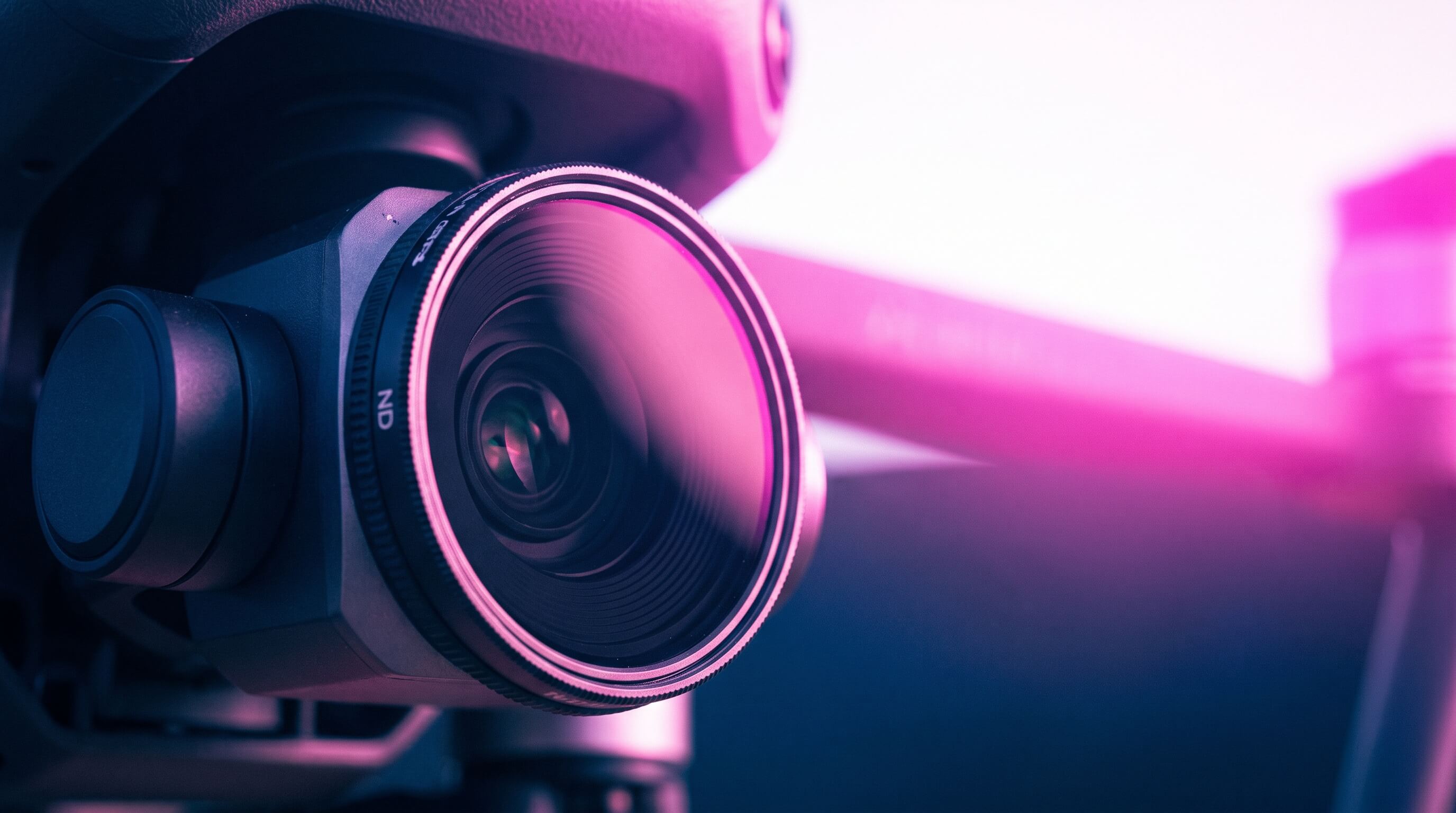
ND4 through ND1000 explained in stops – with clear guidance on which filter to use when.
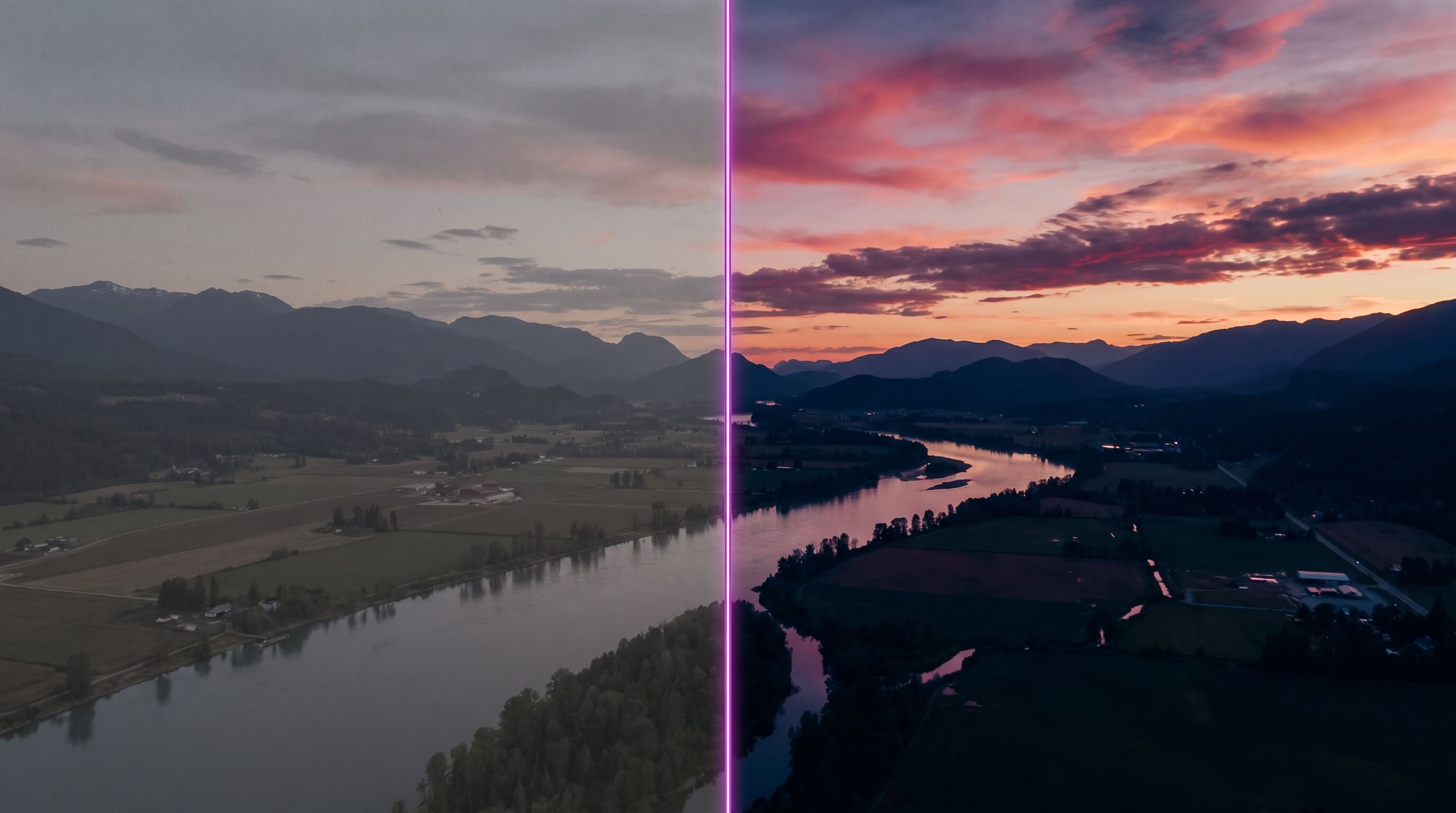
Normal, D-Log M and HLG compared – which profile fits which lighting situation.
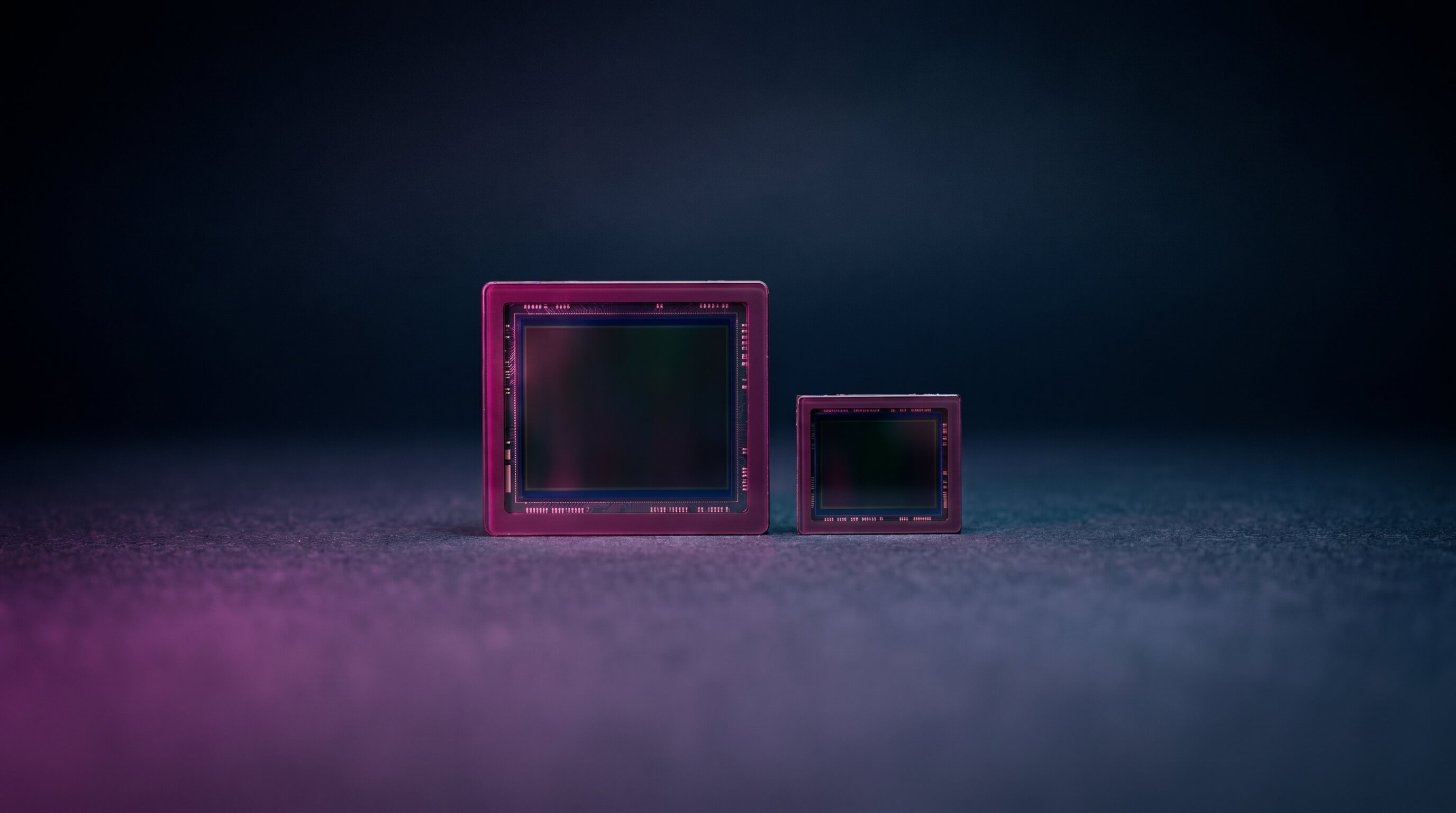
Why larger sensors offer more dynamic range and reduce noise at dusk and at night.
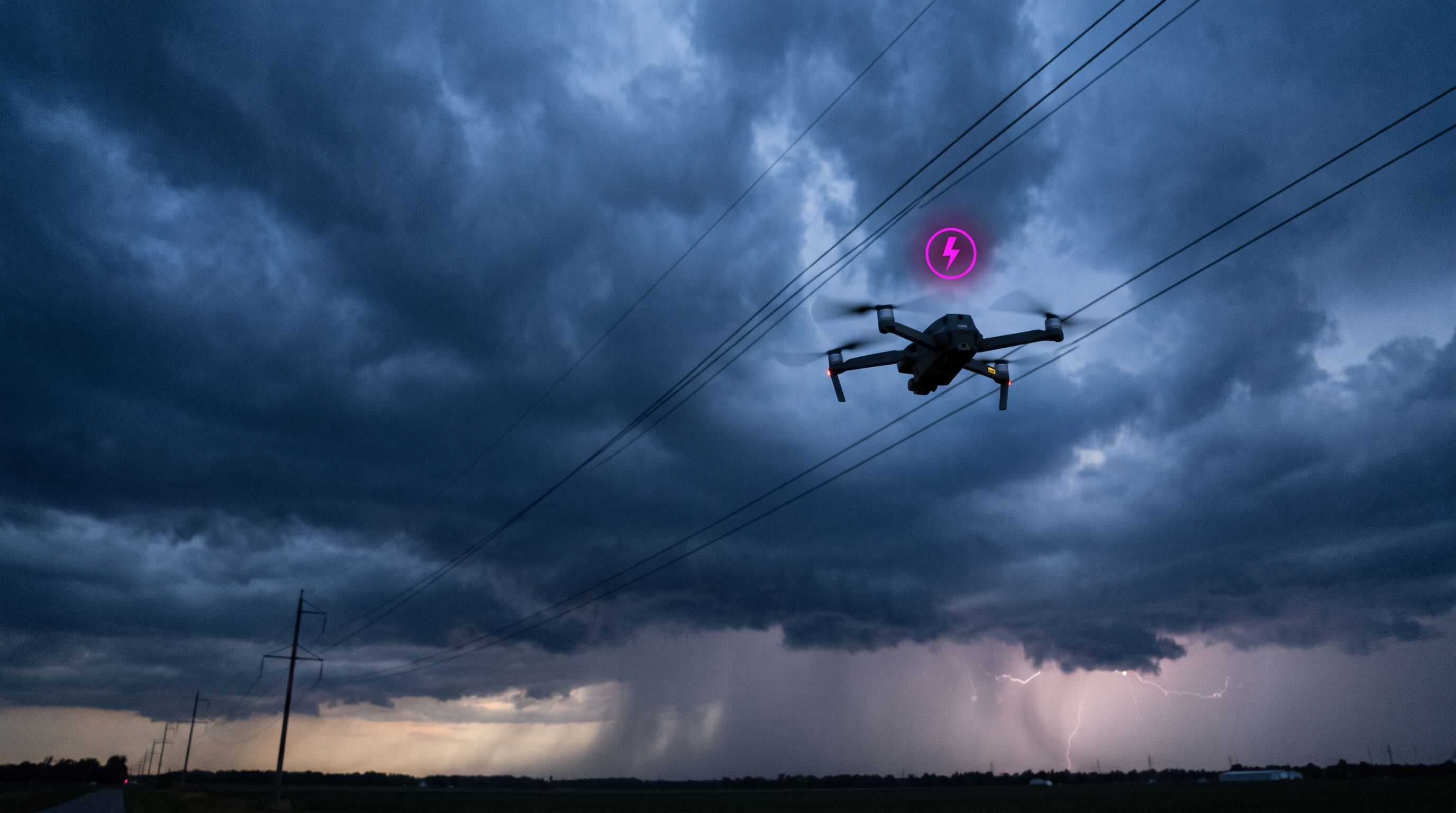
The most common mistakes in drone filming – and how the right settings help you avoid them.
All guides are part of the app – no account, no network required.
The ND calculator is and always will be completely free. Pro unlocks comfort and pro-level features for frequent flyers.
| Feature | Free | Pro |
|---|---|---|
| ND filter calculator | ✓ | ✓ |
| View & use all drone profiles | ✓ | ✓ |
| Custom drone profiles | 1 | Unlimited |
| Saved presets | 3 | Unlimited |
| Favorite drones | 3 | Unlimited |
| All info guides | ✓ | ✓ |
| Night Mode (manual & quick-toggle) | ✓ | ✓ |
| Night Mode auto (at sunset) | — | ✓ |
| Weather & fly-check | Basic | Full |
| Timer (long exposure, timelapse, hyperlapse) | — | ✓ |
| Future Pro features | — | ✓ |
One-time purchase, no subscription.